
Rename files
File Renamer
Bring order to a batch of filenames. Build your rules, preview each change, then rename.
Steady State Studio / Independent software
Useful software for the work in front of you.
Rename a batch of files. Make photos square. Prepare a PDF for an upload. Turn a folder into a printable contact sheet. Four free desktop tools, with a familiar feel and your files kept on your computer.
The collection / 04 tools
Real tools you can download.
Choose the job you need to do.
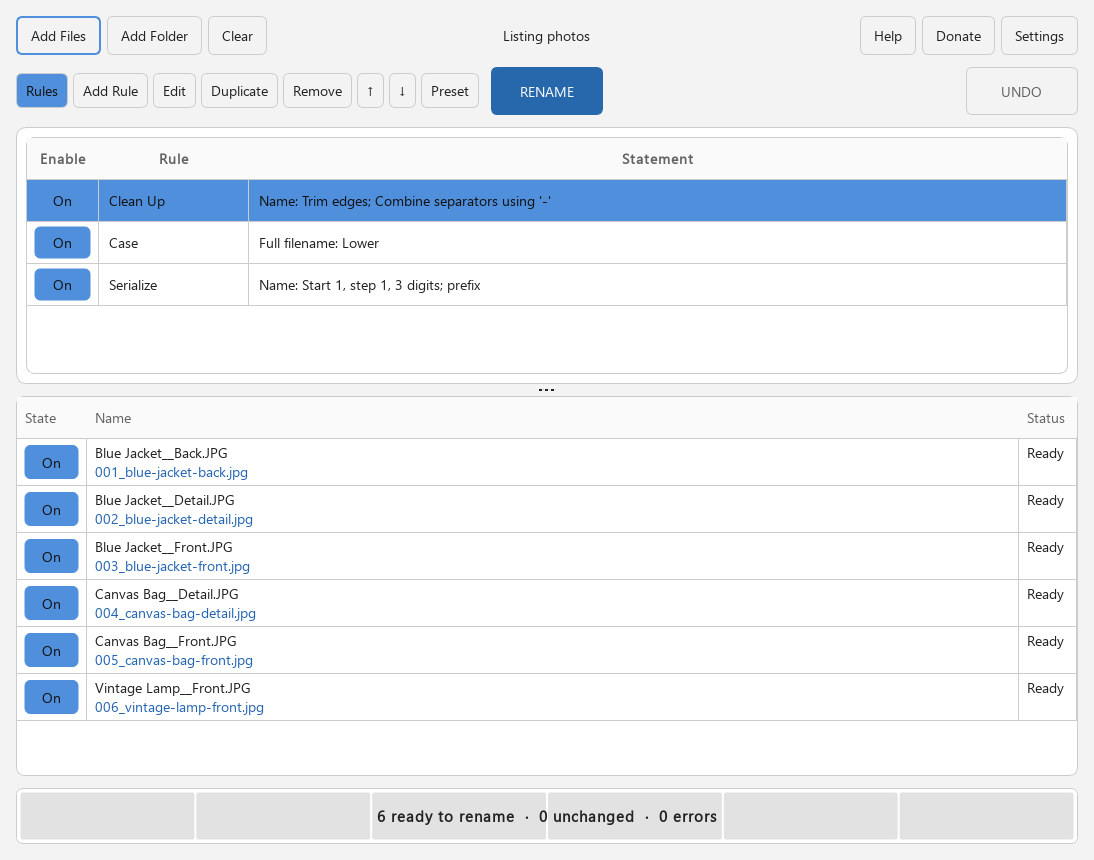
Rename files
Bring order to a batch of filenames. Build your rules, preview each change, then rename.
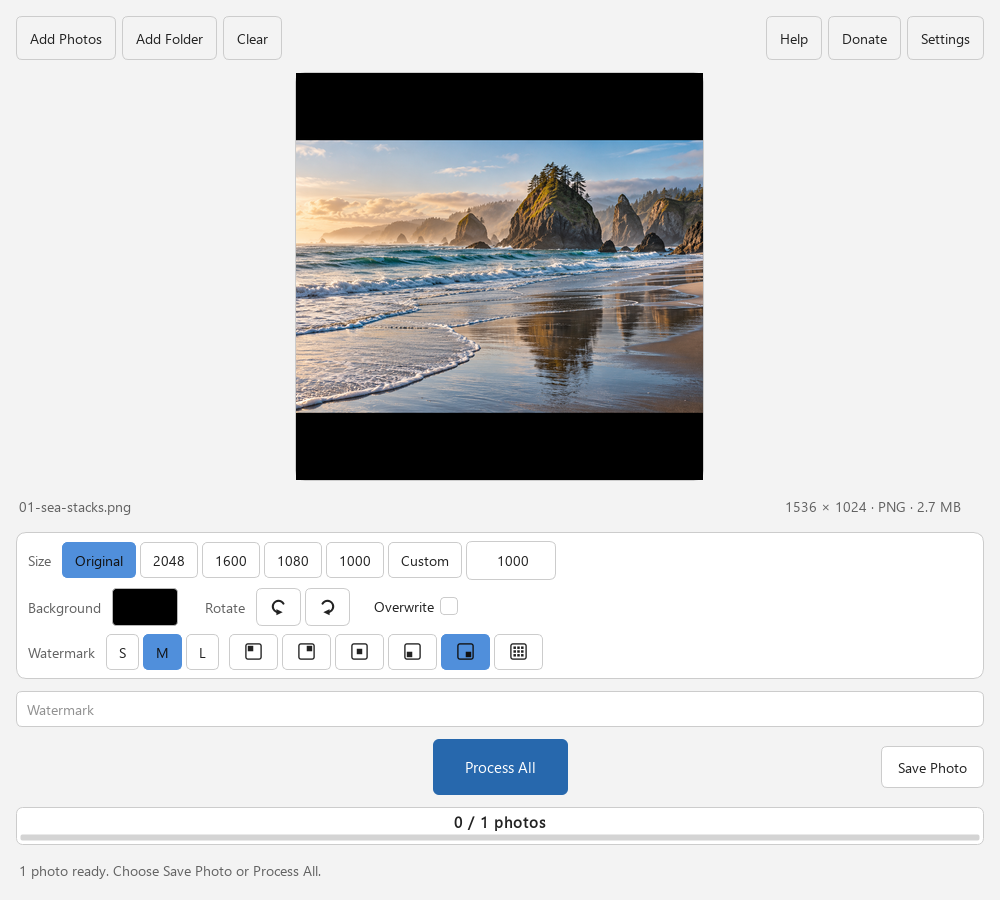
Make photos square
Give your photos a square canvas. Add a background, keep the whole image, and save JPEG copies.
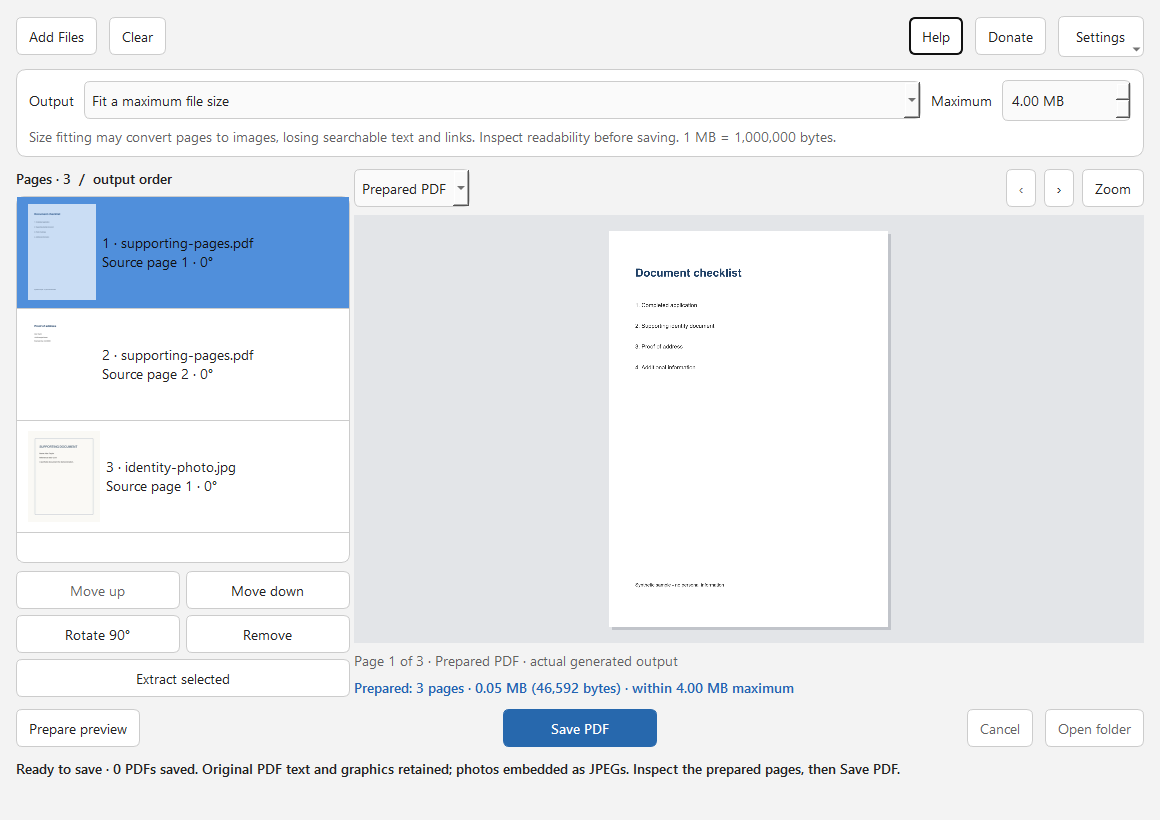
Prepare a PDF for upload
Combine PDFs and photos, arrange the pages, and inspect a new PDF against your chosen size limit.
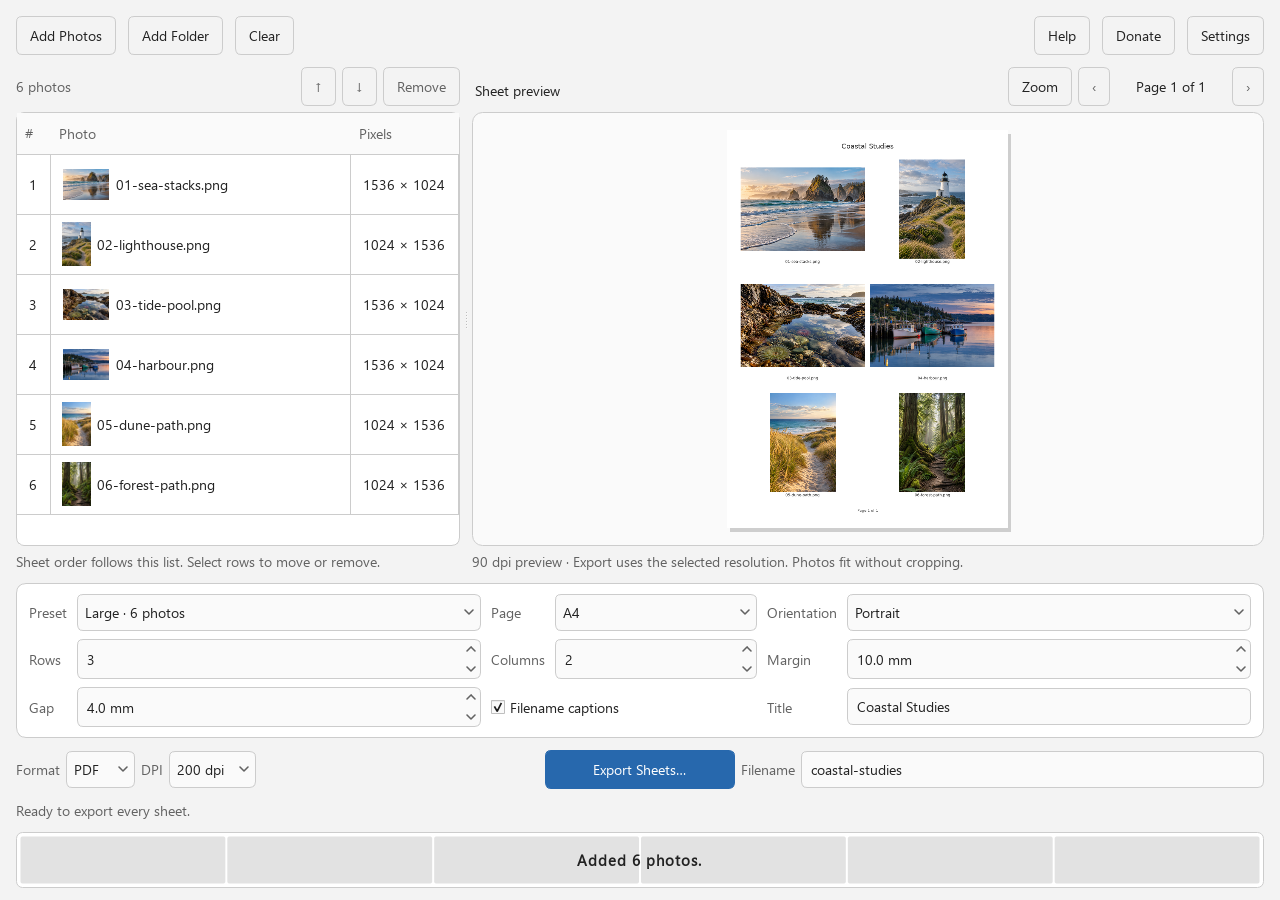
Build contact sheets
See a folder of photos at a glance. Arrange a printable visual index and export PDF or JPEG sheets.
About the studio
Steady State Studio is an independent software studio. The collection is a working portfolio: small applications built around a clear job, a useful preview, and a result you can inspect.
Recognizable controls and consistent layouts make the next tool feel familiar. The work stays at the center of the window.
Preview the result before committing. Clear status tells you what happened and what to do next.
Local processing, useful defaults, and honest limits. The free tools have no accounts, subscriptions, or paid feature tiers.
A conversation about your workflow
Have a job that your current software makes awkward?
Tell the studio what you start with, the result you need, and where the time goes. A file utility, a focused desktop app, or a small workflow tool can be a good starting point for a custom project.
Tell me about your projectShare an idea for a useful tool. Donations are welcome and always optional.
Keep the free tools improving
If a tool helped, share the job it solved. A Ko-fi tip can also support continued development, testing, and maintenance.